This post is a living style guide for the blog. It is not meant to explain Markdown from scratch; it exists to show how common writing patterns look after the content pipeline, typography rules, syntax highlighting, Mermaid rendering, and footnote handling have all run.
When the theme changes, this page should make visual regressions easy to spot.
Paragraphs and rhythm
Syntax
A paragraph is a block of text separated by a blank line.

A second paragraph starts after the blank line and should keep the same measure,
line height, and spacing as the first one.
Output
A paragraph is a block of text separated by a blank line. Long-form writing should keep a comfortable measure, enough line height, and predictable spacing between blocks. The article column should stay readable on phones, tablets, and desktop displays.
A second paragraph starts after the blank line. It should feel connected to the first paragraph without collapsing into it. This is where small spacing changes usually become noticeable.
Headings
Syntax
## Section heading

### Subsection heading

#### Detail heading
Output
Subsection heading
A subsection introduces a focused idea. The heading should be visible in the scan path without overpowering the surrounding text.
Detail heading
A detail heading is useful for short notes, examples, and local structure inside a larger section.
Inline formatting
Use inline formatting for emphasis and small technical details: strong text, emphasized text, inline code, deleted text, and a regular link. Mixed scripts should also work naturally: English text can sit beside 中文 and 日本語 without changing the line rhythm.
Some inline HTML is useful in technical writing: H2O, x2, i18n, ⌘ + K, and highlighted text.
Blockquotes
Syntax
> Good typography makes structure visible without making the page feel busy.
>
> Quotes may contain **emphasis**, links, and multiple paragraphs.
Output
Good typography makes structure visible without making the page feel busy.
Quotes may contain emphasis, links, and multiple paragraphs. A good quote style should feel distinct from body text while still belonging to the article.
A paragraph after a quote should return to the normal reading rhythm cleanly.
Lists
Unordered lists are useful for feature summaries:
- Typography should preserve spacing.
- Links should remain visible and accessible.
- Long list items should wrap cleanly without pushing content outside the article column.
Ordered lists are useful for procedures:
- Write the draft.
- Preview the article.
- Check narrow and wide screens.
- Publish when the formatting looks correct.
Nested lists should remain scannable:
- Content checks
- Headings
- Paragraphs
- Links
- Media checks
- Images
- Mermaid diagrams
- Code blocks
Task lists are useful for compatibility checks:
- Paragraphs
- Lists
- Tables
- Footnotes
- Print styles
Tables
Tables should be compact, readable, and horizontally safe on narrow screens.
| Feature | Markdown syntax | Expected result |
|---|---|---|
| Strong text | **bold** | Bold emphasis |
| Inline code | `const value = 1` | Monospace inline text |
| Link | [Astro](https://astro.build) | Accessible anchor |
| Footnote | [^note] | Linked note marker |
Code blocks
Use fenced code blocks with language labels so syntax highlighting can choose the right grammar.
type BlogPost = {
  title: string;
  description: string;
  tags: string[];
};

function summarizePost(post: BlogPost) {
  return `${post.title} — ${post.description}`;
}
Shell commands should also render clearly:
pnpm install
pnpm dev
pnpm build
To show Markdown source that itself contains a fenced block, use a longer fence around the example:
```ts
console.log("Nested fence example");
```
Images
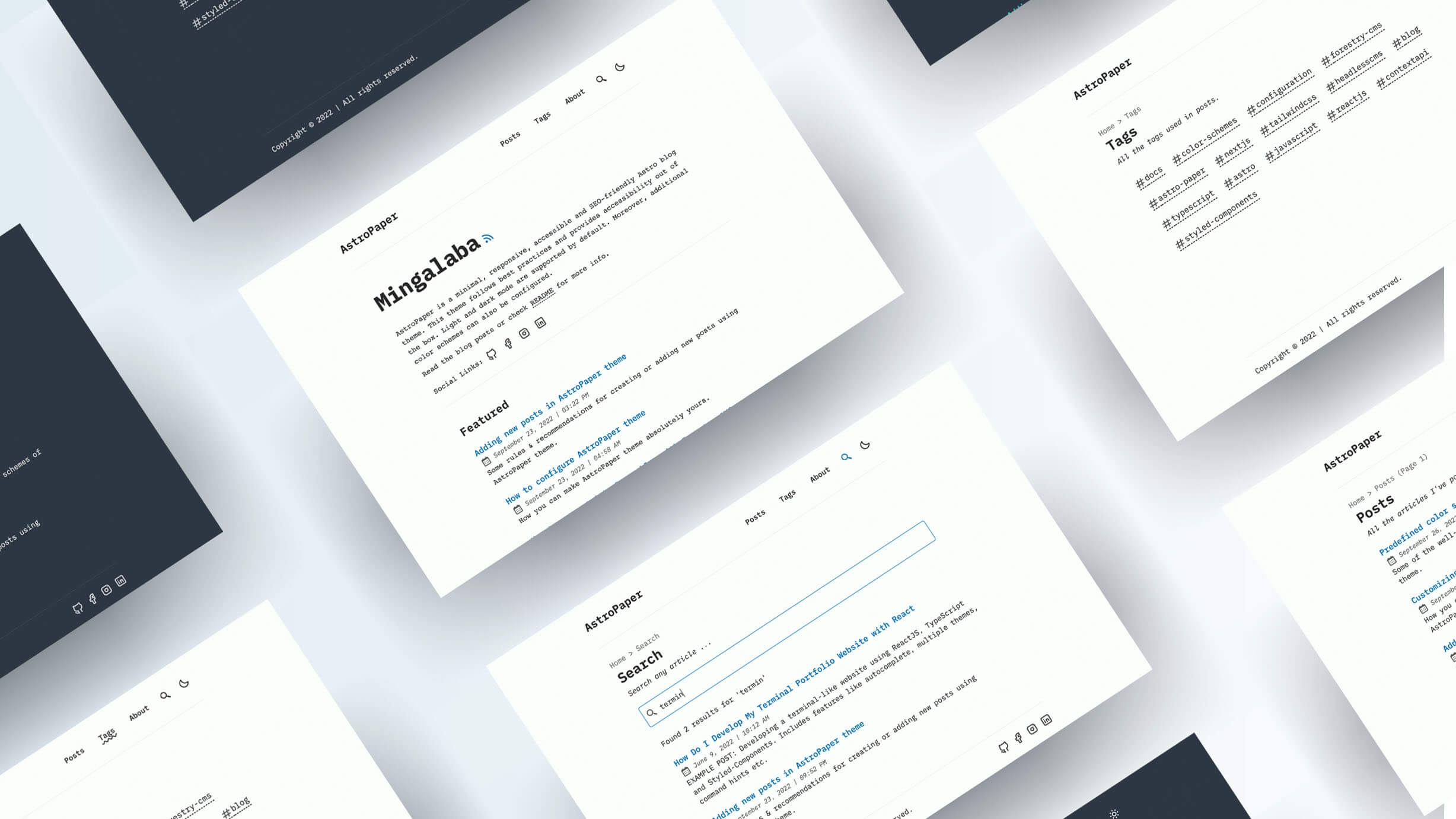
Images should respect the article width, keep their aspect ratio, and provide meaningful alternative text.
Diagrams
Mermaid diagrams should render as SVG while preserving the source diagram in Markdown. The diagram can be zoomed inline, dragged when it overflows, and opened from the expand control.
flowchart LR
  A[Write Markdown] --> B[Build Content]
  B --> C[Render Post]
  C --> D[Read in Browser]
  D --> E[Spot Regressions]
Horizontal rules
A horizontal rule can separate related but distinct parts of a document.
After the rule, spacing should feel intentional rather than abrupt.
Footnotes
Footnotes are useful for short side notes that would interrupt the main paragraph. This sentence includes a compact reference to the rendering pipeline.1
Another sentence can cite the same idea with a second note when the detail belongs at the bottom of the article.2
Summary
A good sample article should be broad enough to exercise the theme, but still pleasant to read. If a future style change breaks headings, lists, quotes, code blocks, diagrams, or footnotes, this page should make the problem obvious.